
Customize Reports and Control Organization Availability
Managed reports are maintained by ShelterPact; custom reports are organization definitions. Customize and Duplicate provide different starting points for organization-specific work.
Before you beginOpen Report Center. Editing, creation, sharing, export, and managed selection can require different permissions.
Step-by-step instructions
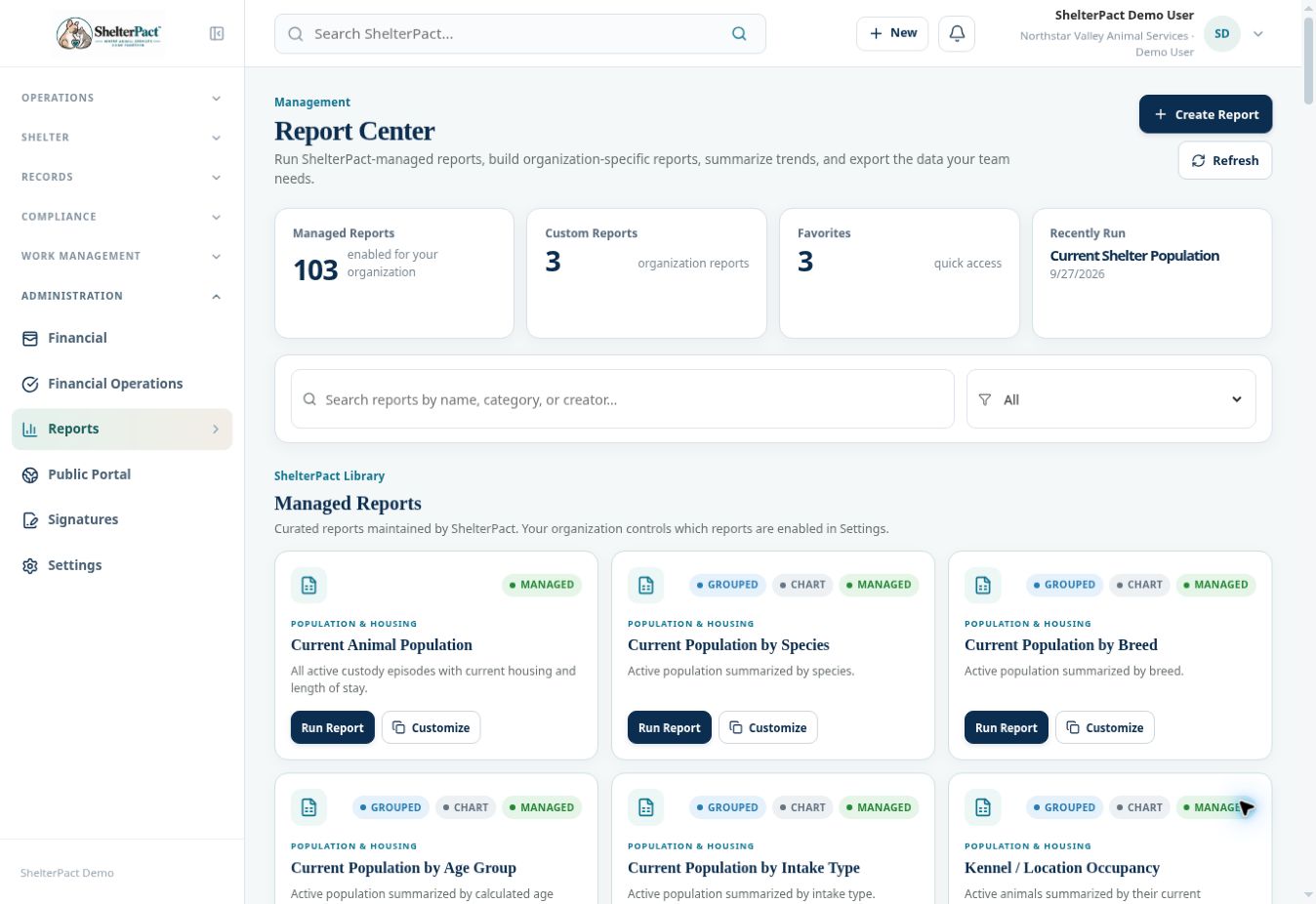
- Find the managed report and read its definition. Use Customize when available to begin an organization-specific version.
- For an existing custom report, use Edit to revise its definition or Duplicate when a separate definition is needed.
- Review setup, columns, filters, grouping, and sort before changing them. Use Preview to validate the new interpretation.
- Name and describe the report clearly, including the date or status scope. Review sharing with other authorized users and favorite settings.
- Save the intended definition and verify it in Report Center. Confirm whether you changed the original or created a separate report.
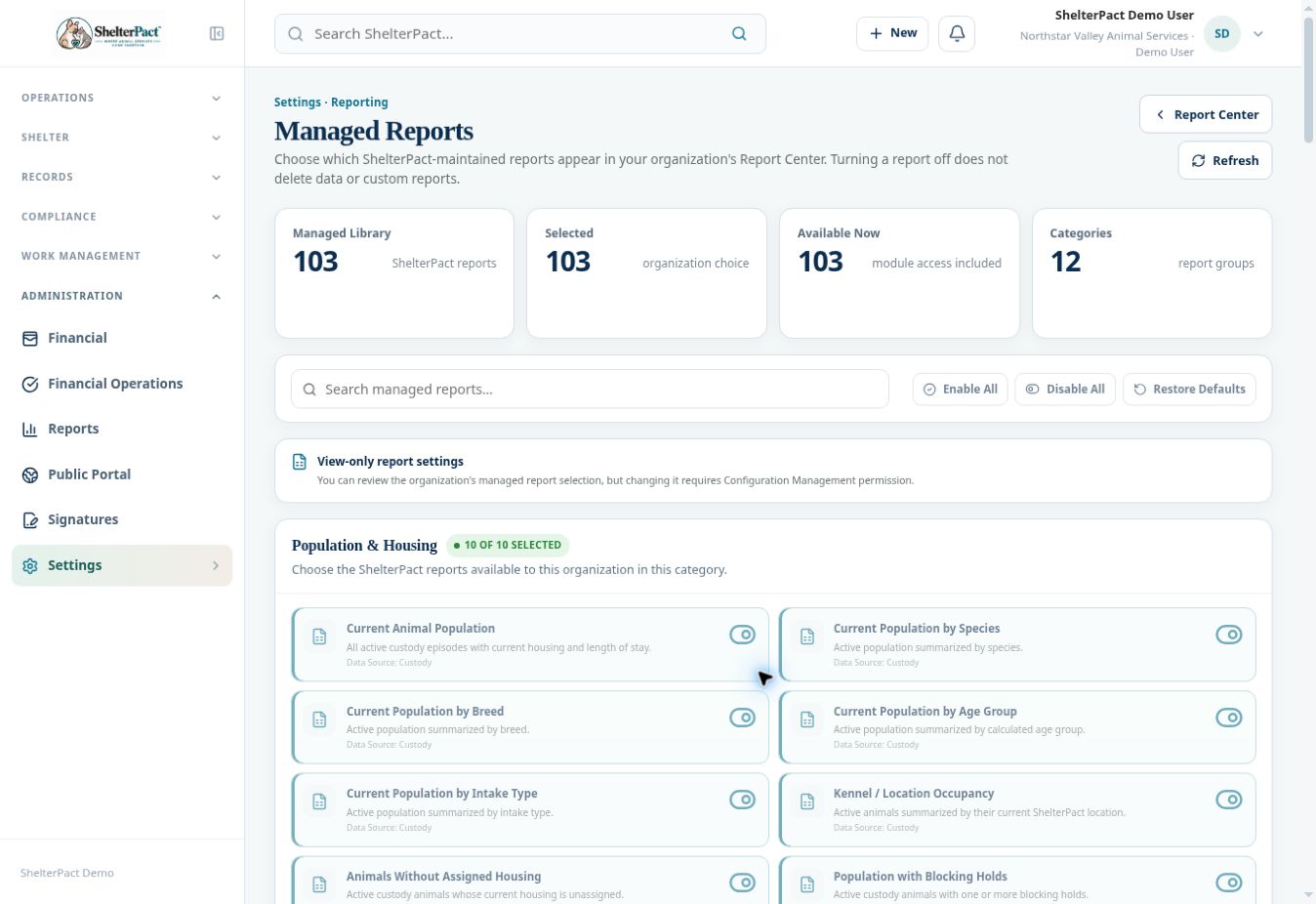
- For managed availability, open Settings → Managed Reports. Search or filter the library and review Selected and Available Now.
- An authorized configuration manager can enable, disable, or restore defaults. Turning a managed report off removes availability; it does not delete source records or custom reports.
Screenshots
Practical checks
Sharing a report definition does not expand the recipient’s permissions to underlying data.
Troubleshooting
| What you see | What to check |
|---|---|
| A selected report is still unavailable | Check required module access and data permissions. |
| The demo will not save a managed selection | The shared account has view-only report settings; a configuration manager is required for changes. |