
Review a Receipt and Produce a Copy
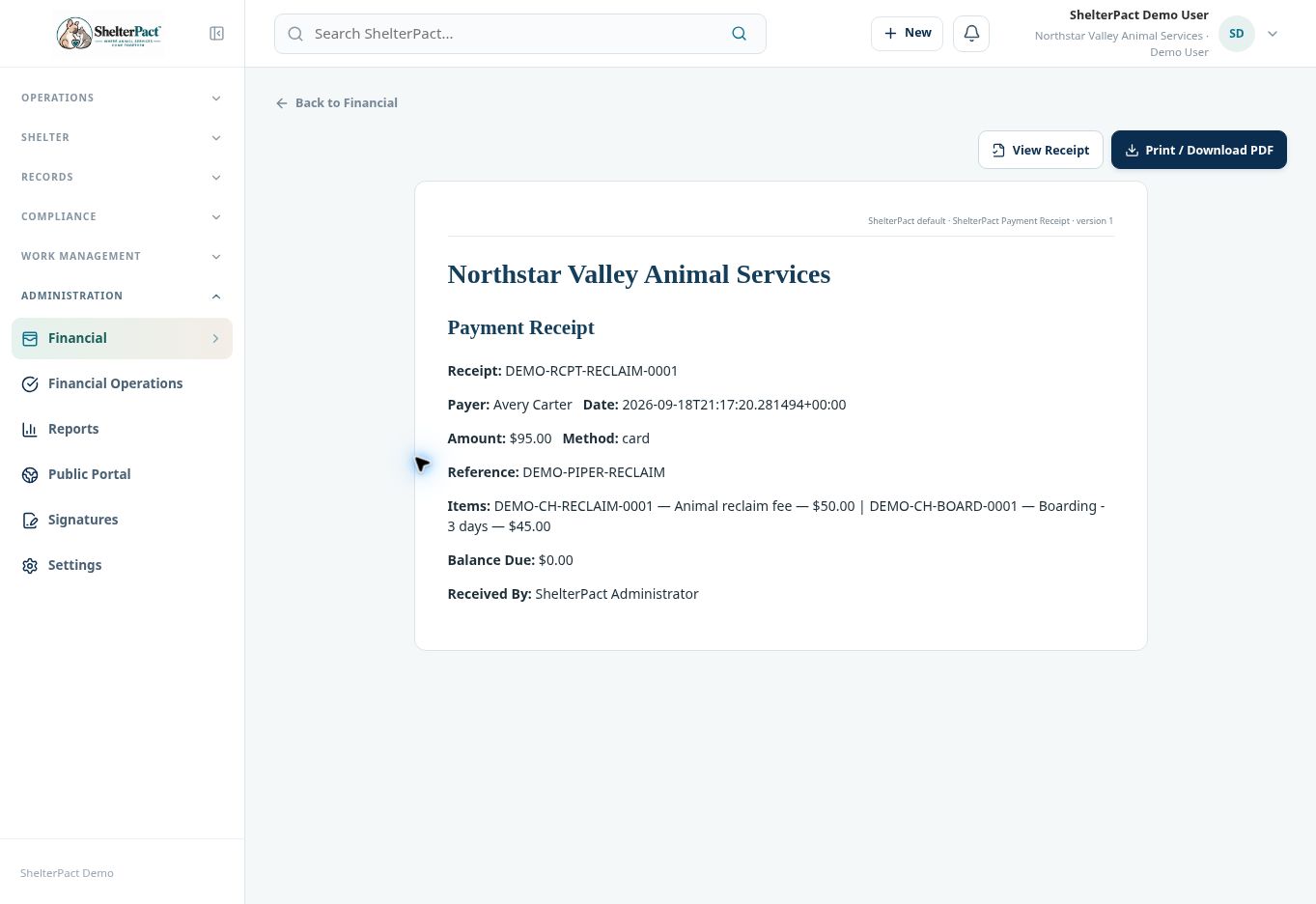
Receipts provide the payment number, payer, amount, method, date, reference, allocated line items, remaining balance, and receiving staff. Review the correct receipt before providing a copy.
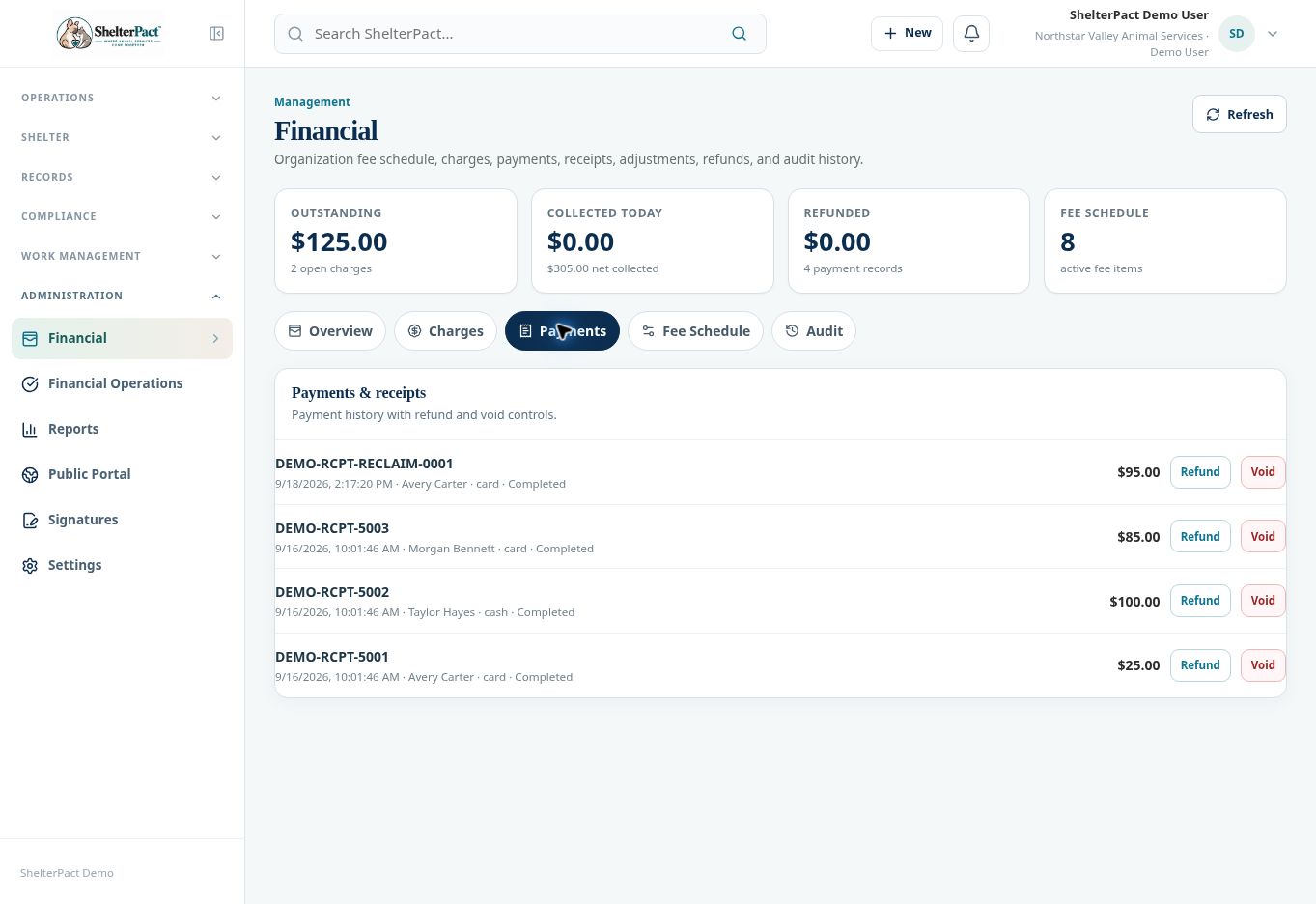
Before you beginOpen Financial → Payments. Identify the transaction by receipt number, payer, date, and amount.
Step-by-step instructions
- Select the receipt number to open its document view.
- Review payer, payment date, amount, method, and reference against the actual collection.
- Review Items to verify which charges were paid and how much was allocated to each.
- Review Balance Due and Received By. Confirm the receipt represents the correct transaction rather than a similar payment.
- Use View Receipt or Print / Download PDF as provided by the receipt page. Review the selected automatic document template and any completion requirements.
- If an error is found, use the appropriate authorized financial correction workflow; do not edit an unrelated payment simply to create a matching-looking receipt.
- After a correction, review the updated payment status, charge balances, and audit history before issuing a new copy.
Screenshots
Practical checks
Reprinting a receipt is different from recording a new payment. Use the existing receipt when the transaction already exists.
Troubleshooting
| What you see | What to check |
|---|---|
| The document uses the wrong layout | Review Settings → Automatic Documents → Payment Receipt with an authorized administrator. |
| The payer or line items are wrong | Resolve the transaction through its authorized correction process before distributing the document. |