
Review Staff Coverage and Record-Linked Conversations
Staff Rota organizes shifts and availability. Messages keeps operational conversations attached to staff and records so a discussion can be found later.
Before you beginOpen Work Management → Staff Rota or Messages. Scheduling and conversation actions depend on your assigned permissions.
Step-by-step instructions
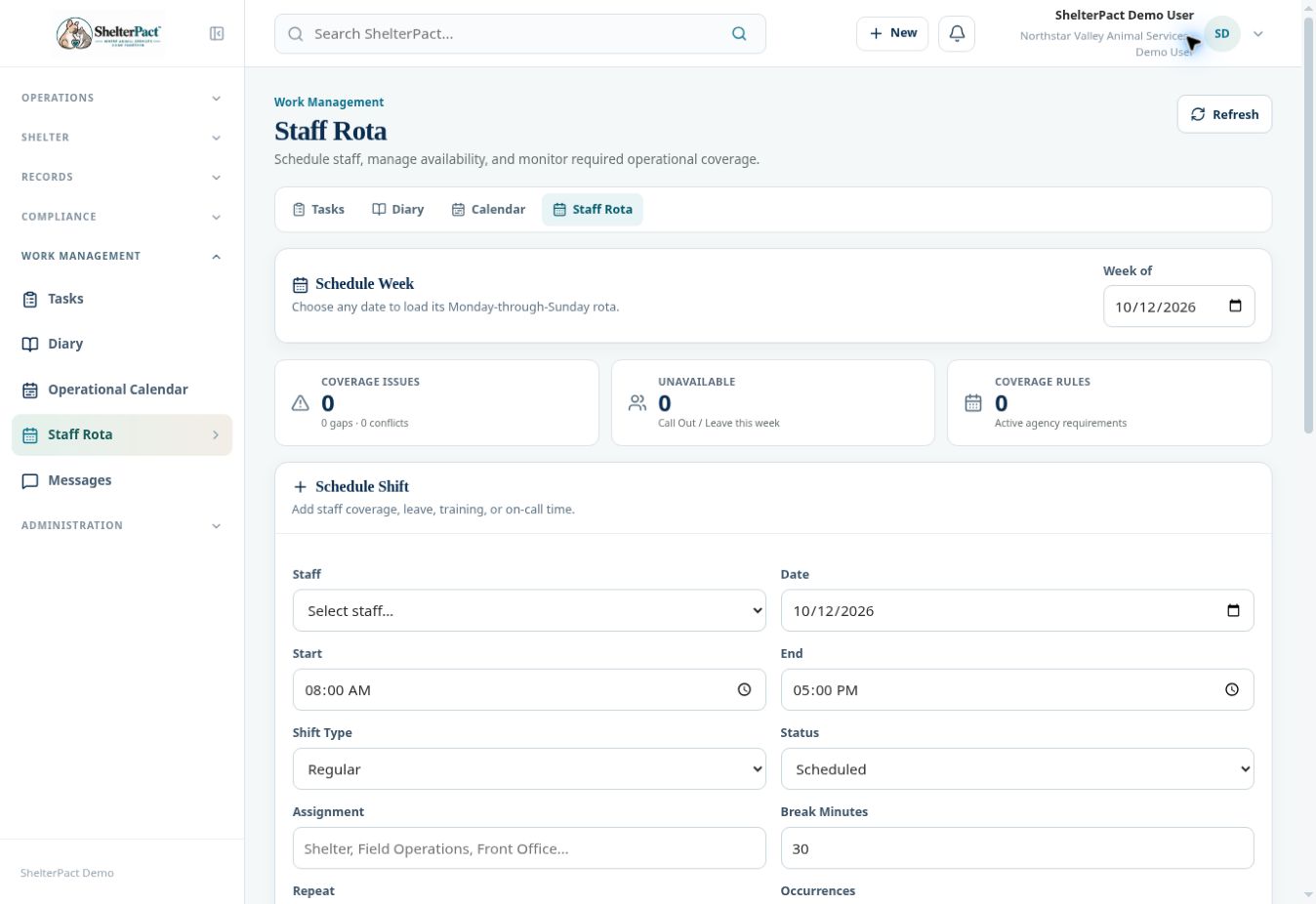
- In Staff Rota, select a date in Week of to load its Monday-through-Sunday schedule.
- For a shift, select Staff, Date, Start, End, Shift Type, Status, Assignment, and Break Minutes. Add Notes and verify recurrence before Add Shift.
- Use Leave or Call Out when applicable. Review gaps and conflicts after changes; coverage warnings depend on active coverage rules.
- An authorized scheduler can define a coverage rule using assignment, time range, minimum staff, and days. Review rules before relying on a no-warning result.
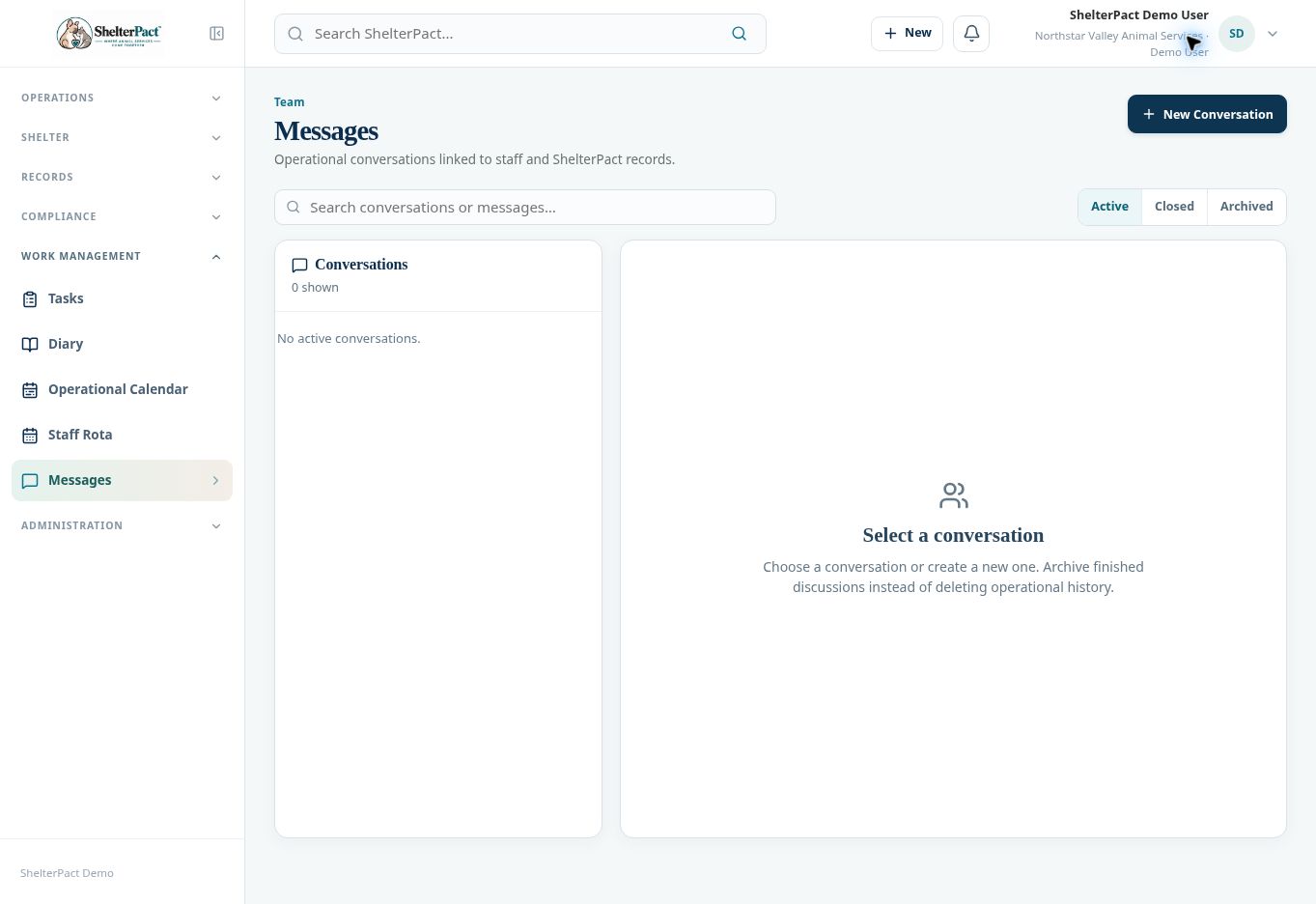
- For a conversation, open Messages and select New Conversation, or use Discuss on a record to keep the conversation attached to that subject.
- Review Active, Closed, and Archived conversations. Keep formal decisions and authoritative updates in the actual operational record as well as discussing them.
- Close or archive finished discussions according to agency practice. Do not remove record history to tidy up a conversation list.
Screenshots
Practical checks
A conversation is context for the work; it does not replace the record’s status, deadline, or audit entry.
Troubleshooting
| What you see | What to check |
|---|---|
| No coverage problems appear | Confirm that coverage rules are configured for the relevant assignments and times. |
| A conversation seems missing | Check Closed and Archived views and the linked record. |