
Record Stock Receipts, Use, Transfers, and Adjustments
Inventory & Stock calculates balances from an auditable ledger. Record movements in the correct units and locations so clinical use and supply balances remain consistent.
Before you beginOpen Shelter → Inventory & Stock. Confirm item, unit, physical location, actual quantity, and lot/expiration information where tracked.
Step-by-step instructions
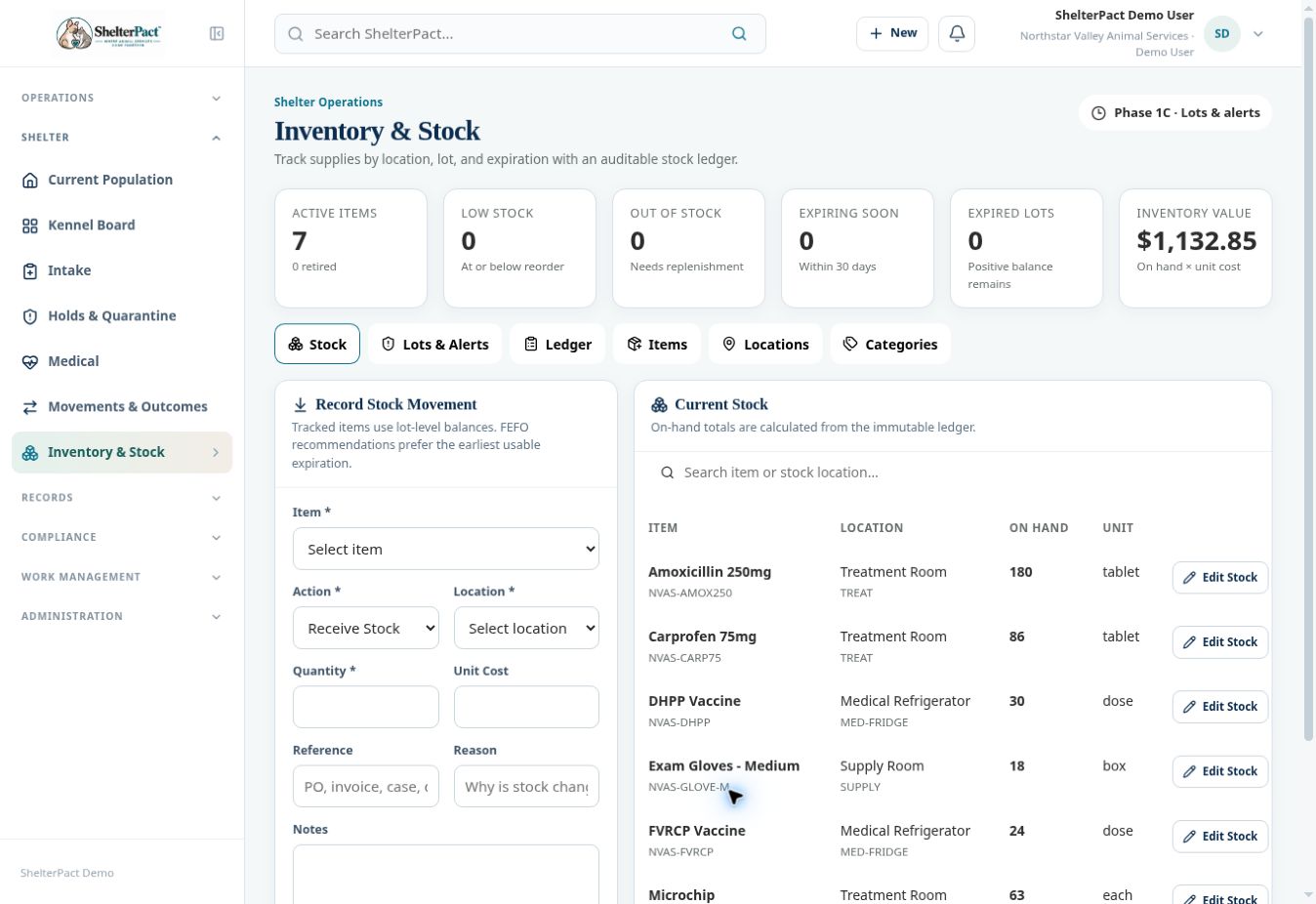
- On Stock, select the Item and Action: Receive Stock, Issue / Use Stock, Return to Stock, Adjustment, Waste / Disposal, or Transfer Between Locations.
- Choose the correct Location and Quantity. For a transfer, review the destination controls shown for that action.
- Review unit cost for receipts or valuation where applicable. Add Reference, Reason, and Notes to explain the movement.
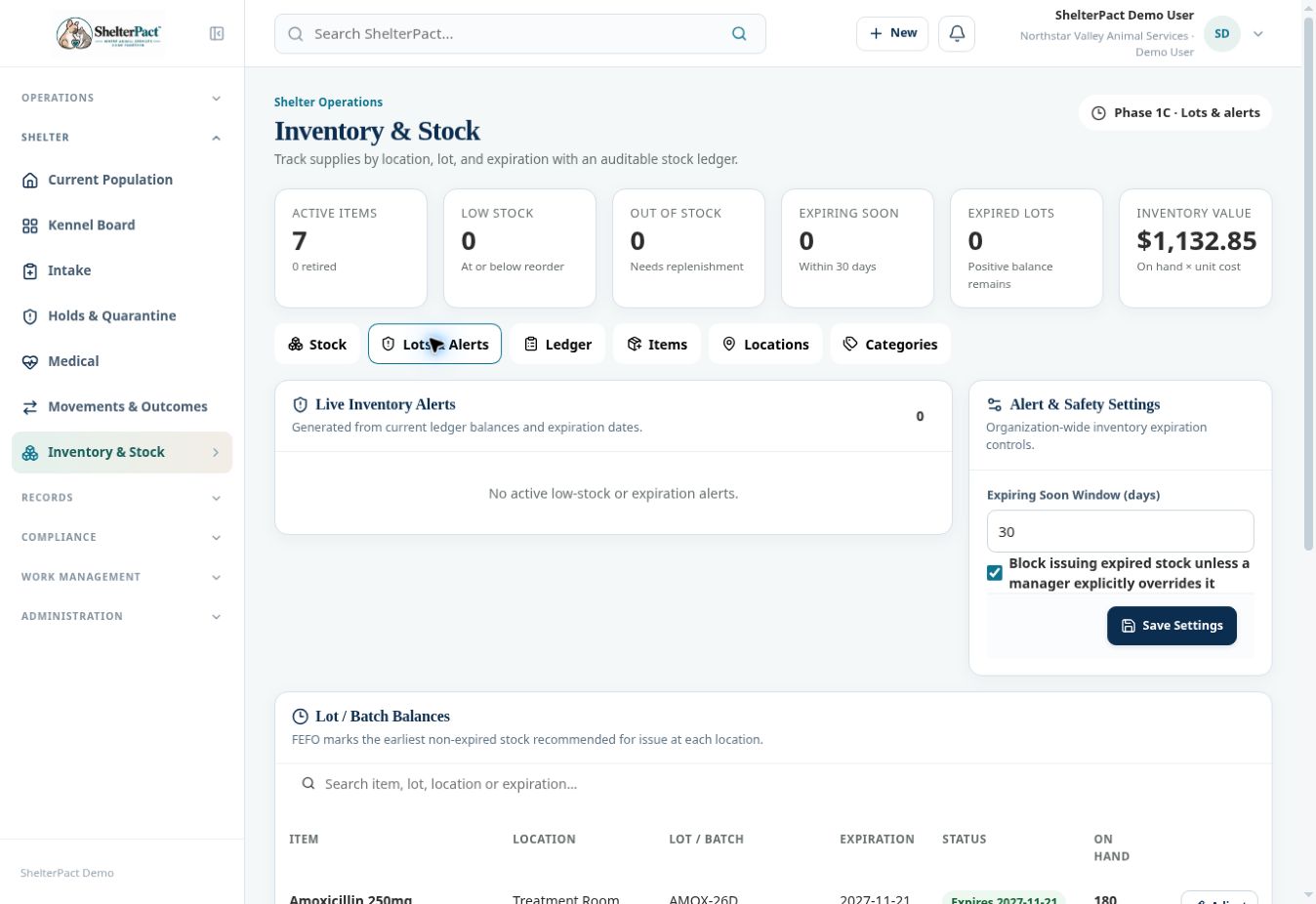
- For tracked stock, select or enter the required lot/batch and expiration information. Verify it against the physical product.
- Select Record Movement after checking the full entry. Review Current Stock at the affected location.
- Open Ledger and verify the item, signed quantity, action, location, staff, reference, lot, and expiration. The inspected ledger shows the latest 250 transactions.
- For stock deducted through a completed medical or rabies event, review the linked issue rather than recording the same use again manually.
Screenshots
Practical checks
A clinical dose and an inventory quantity can have different units. Record stock according to the item’s unit, not an assumed clinical unit.
Troubleshooting
| What you see | What to check |
|---|---|
| A balance is wrong | Review the ledger and actual physical quantity; make an authorized, explained adjustment rather than hiding history. |
| A transfer seems to reduce total stock | Review both source and destination entries and units. |