
Record Other Outcomes and Review Euthanasia Workflows
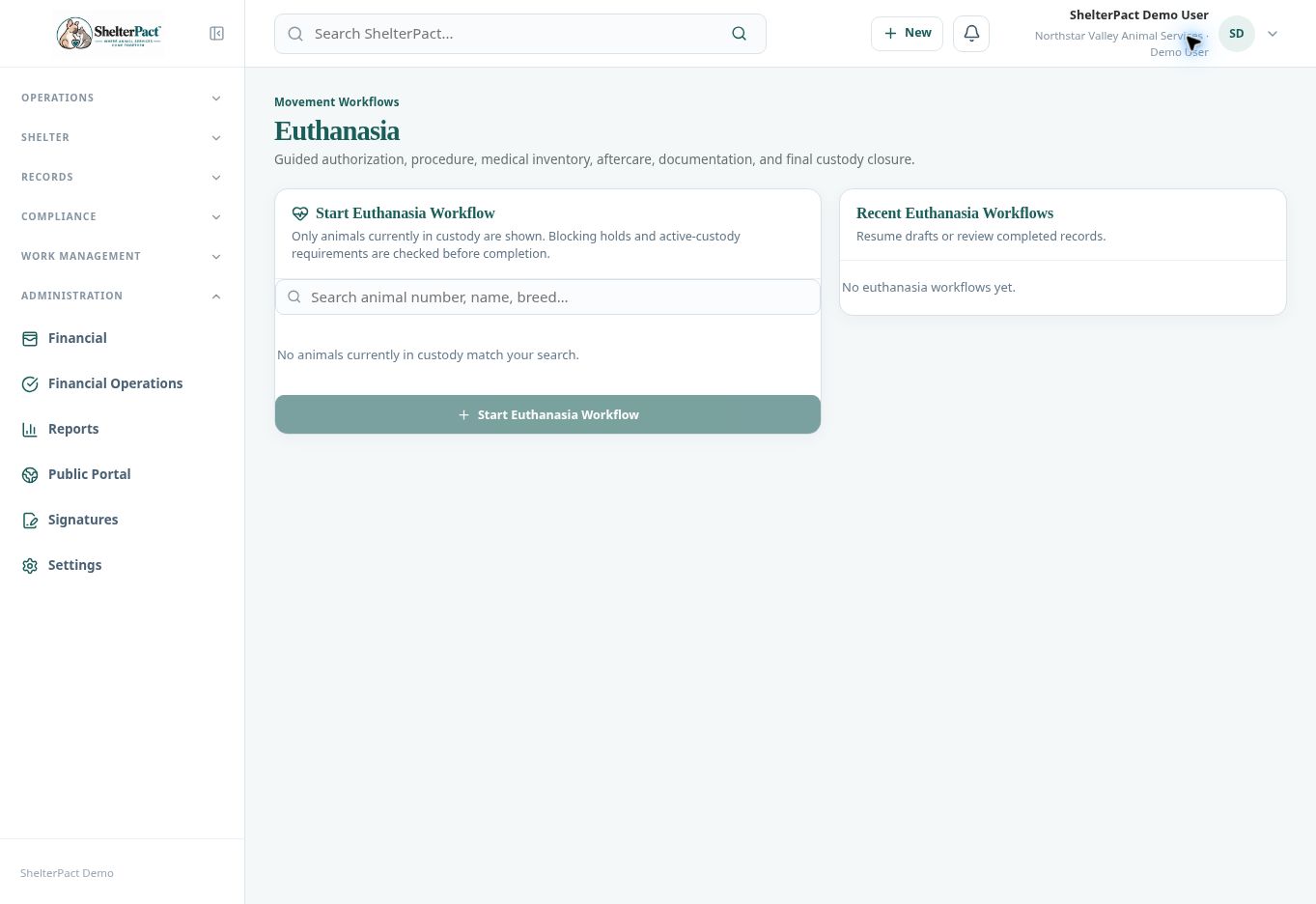
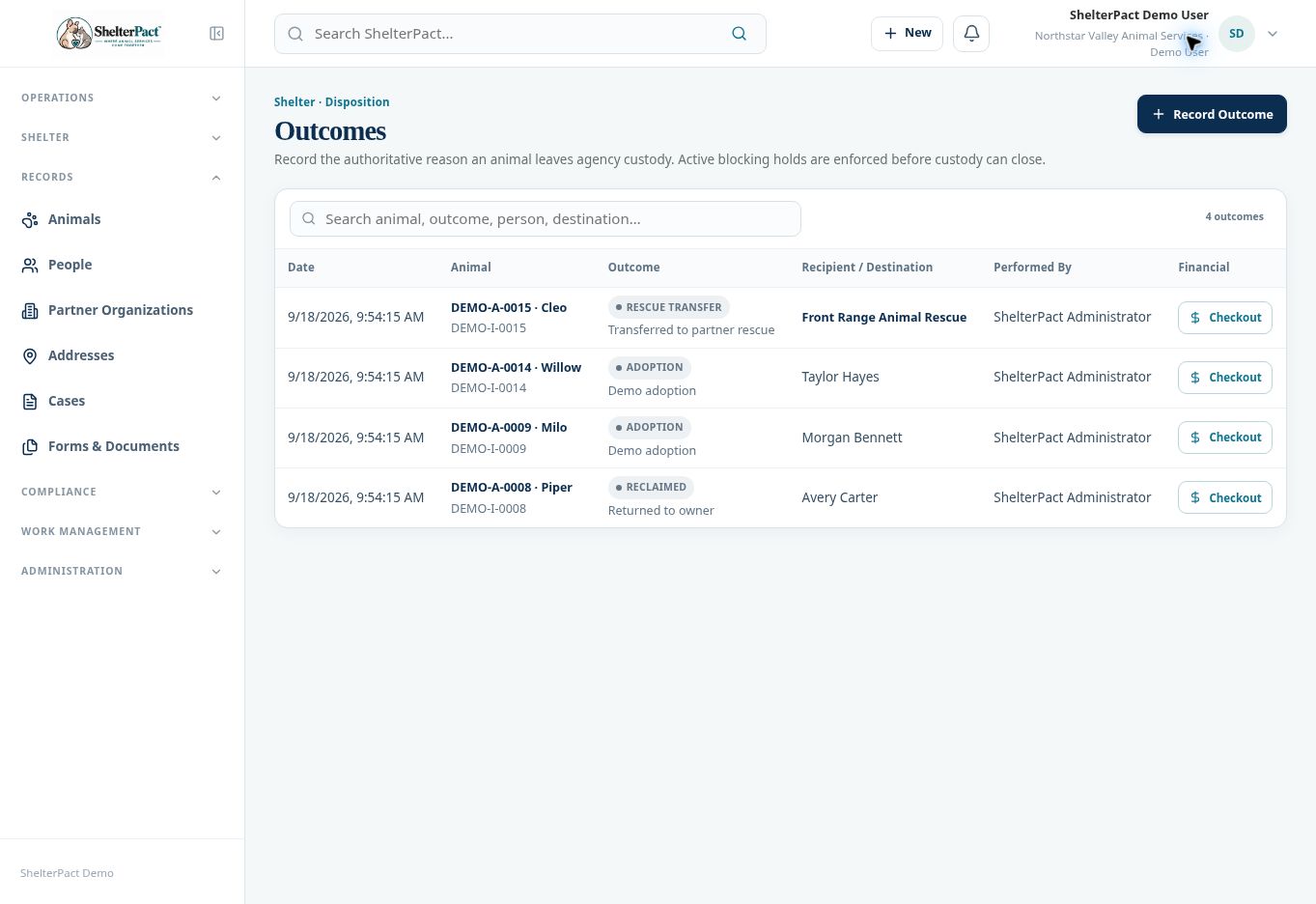
Other Outcomes records configured dispositions such as release, death in care, escape/missing, or another authorized closure. Euthanasia has a separate guided workflow for authorization and clinical documentation.
Before you beginConfirm the animal, current custody episode, event authority, effective timing, and required documentation. This article explains software records, not clinical procedures.
Step-by-step instructions
- Open Movements & Outcomes and choose Euthanasia for that workflow or Other Outcomes for another configured disposition.
- For Other Outcomes, select Record Outcome and confirm the animal and active custody episode. Choose the disposition describing the actual event.
- Complete the required recipient, destination, reason, dates, and notes shown for the selected type. Organization Outcome Types & Rules controls these requirements.
- Review active blocking holds and resolve them only through authorized actions. Do not change the outcome type to avoid a legitimate restriction.
- For Euthanasia, follow the guided authorization, procedure record, medical inventory, aftercare, document, and final review pathway using approved agency procedures and authorized staff.
- Before final completion, review the animal, event facts, linked records, and required paperwork. Save or complete only the event that actually occurred.
- Review the recorded outcome, staff identity, recipient/destination, and resulting custody state. Maintain supporting care and case records separately where required.
Screenshots
Practical checks
The permanent animal record remains after a custody episode closes. Do not create a new animal identity to reflect an outcome.
Troubleshooting
| What you see | What to check |
|---|---|
| Required recipient or reason is missing | Complete the required information for that type rather than choosing an inaccurate type. |
| An outcome was recorded incorrectly | Use the organization’s authorized correction process and preserve the audit history. |